
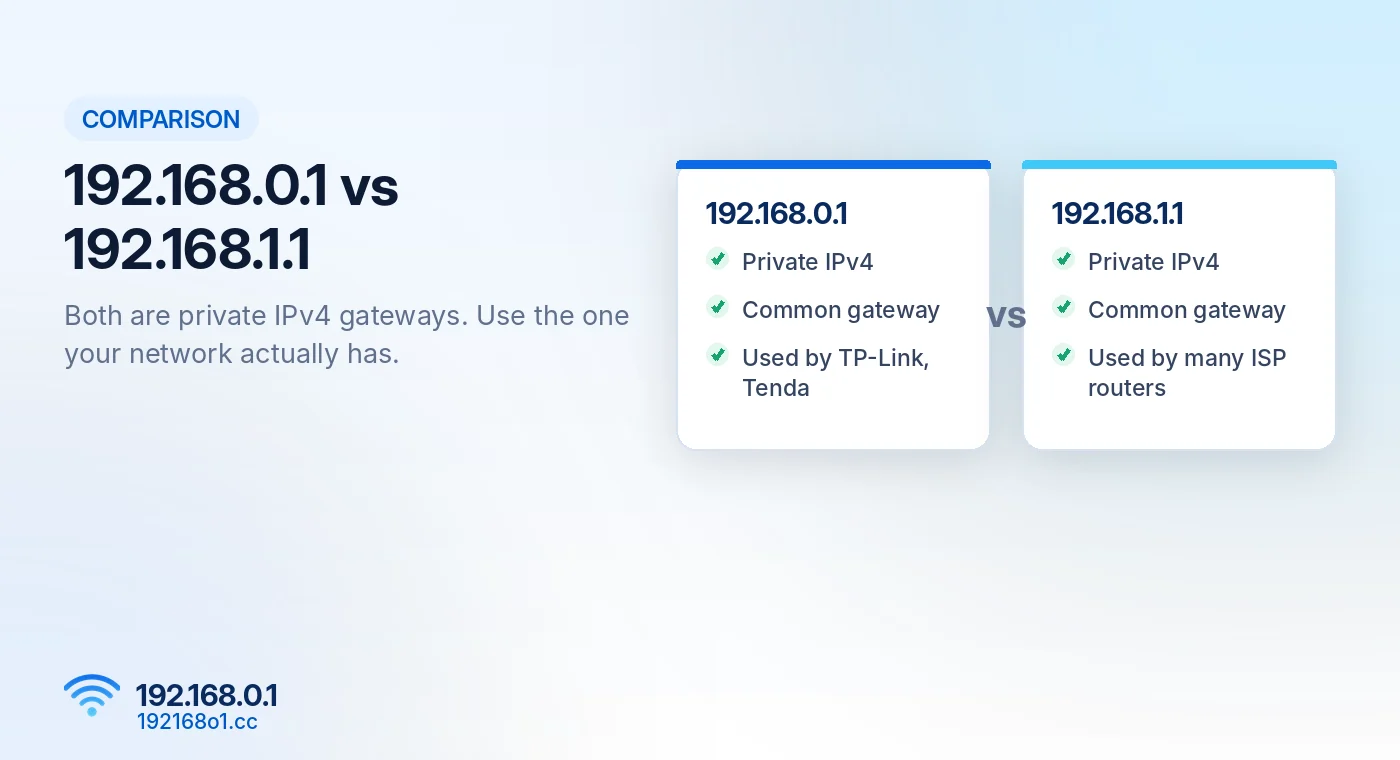
192.168.0.1 and 192.168.1.1 are two common private IPv4 addresses used by routers.
Neither address is automatically better, faster, or more secure. The correct one depends on your network’s configuration.
If you’ve tried one address and the router login page didn’t open, the other might work. But checking your actual default gateway is more reliable than guessing.
What Is 192.168.0.1?
192.168.0.1 belongs to the private IPv4 address range reserved for local networks.
Routers may use this address for their management interface and as the gateway through which connected devices reach other networks.
For example, a laptop might have address 192.168.0.25 while the router uses 192.168.0.1. This is a common arrangement, not a required rule. Our 192.168.0.1 router admin login guide covers the full login process.
What Is 192.168.1.1?
192.168.1.1 is another private IPv4 address that serves similar purposes.
On a network using this address as its gateway, connected devices may receive addresses such as 192.168.1.20 or 192.168.1.150.
Routers can also use different private ranges, including addresses beginning with 10 or 172.16 to 172.31.
Main Differences Between 192.168.0.1 and 192.168.1.1
| Feature | 192.168.0.1 | 192.168.1.1 |
|---|---|---|
| IP address type | Private IPv4 | Private IPv4 |
| Common router gateway | Yes | Yes |
| May open router settings | Yes | Yes |
| Works on every network | No | No |
| Requires public internet access | No | No |
| Automatically faster | No | No |
The distinction is mostly a matter of network addressing and configuration.
Why Do Routers Use Different Addresses?
Manufacturers choose different default local networks for their products.
An internet provider or network administrator may also modify the gateway during installation.
For example, a router initially using 192.168.0.1 might be reconfigured to use 192.168.1.1. The original address would then stop working unless another device uses it.
How to Find the Correct Router Login IP
On Windows
Open Command Prompt and run ipconfig
Look for the Default Gateway connected to your current network.
On Mac
Open System Settings > Network, select the active connection, and find the Router address in its TCP/IP details.
On Android
Open your connected WiFi network’s details and look for Gateway or Router. The exact menu varies by Android version and phone manufacturer.
On iPhone
Go to Settings > Wi-Fi, tap the information icon beside your connected network, and check Router.
For device-specific instructions, read How to Find Your Router IP Address.
Can Both Addresses Exist on One Network?
Yes, depending on how the network is designed.
A home might have an internet provider’s modem-router at 192.168.1.1 and a separate router at 192.168.0.1.
Such setups may create separate network segments or double NAT if both devices perform routing. However, having two devices doesn’t automatically mean both addresses will be accessible from every connection.
Which Address Should You Enter?
Use the management address of the device you intend to configure.
If your gateway is 192.168.0.1, start with 192.168.0.1 router login.
If your gateway is 192.168.1.1, use that address where applicable.
Don’t change your router’s LAN IP merely because a different address appears more popular. If neither opens, work through our 192.168.0.1 not working guide.
Frequently Asked Questions
Is 192.168.0.1 faster than 192.168.1.1?
No. The gateway number itself does not determine internet speed.
Are both IP addresses safe to use?
Both are private addresses. Actual security depends on router configuration, firmware, credentials, and network protections.
Can I change my router IP address?
Many routers allow LAN address changes, but doing so can interrupt access and require device reconnection.
Why does 192.168.0.1 open nothing?
Your router may use another gateway address, or its management service may be unavailable.
Final Words
192.168.0.1 and 192.168.1.1 perform similar roles on local networks.
Instead of guessing, check the gateway address assigned to your connected device and use the management address appropriate for your router.