192.168.0.1 Login Page Keeps Redirecting? Causes and Fixes
You enter 192.168.0.1, but instead of staying on the router login page, your browser redirects to another address, opens a search page, or returns to the login screen repeatedly.
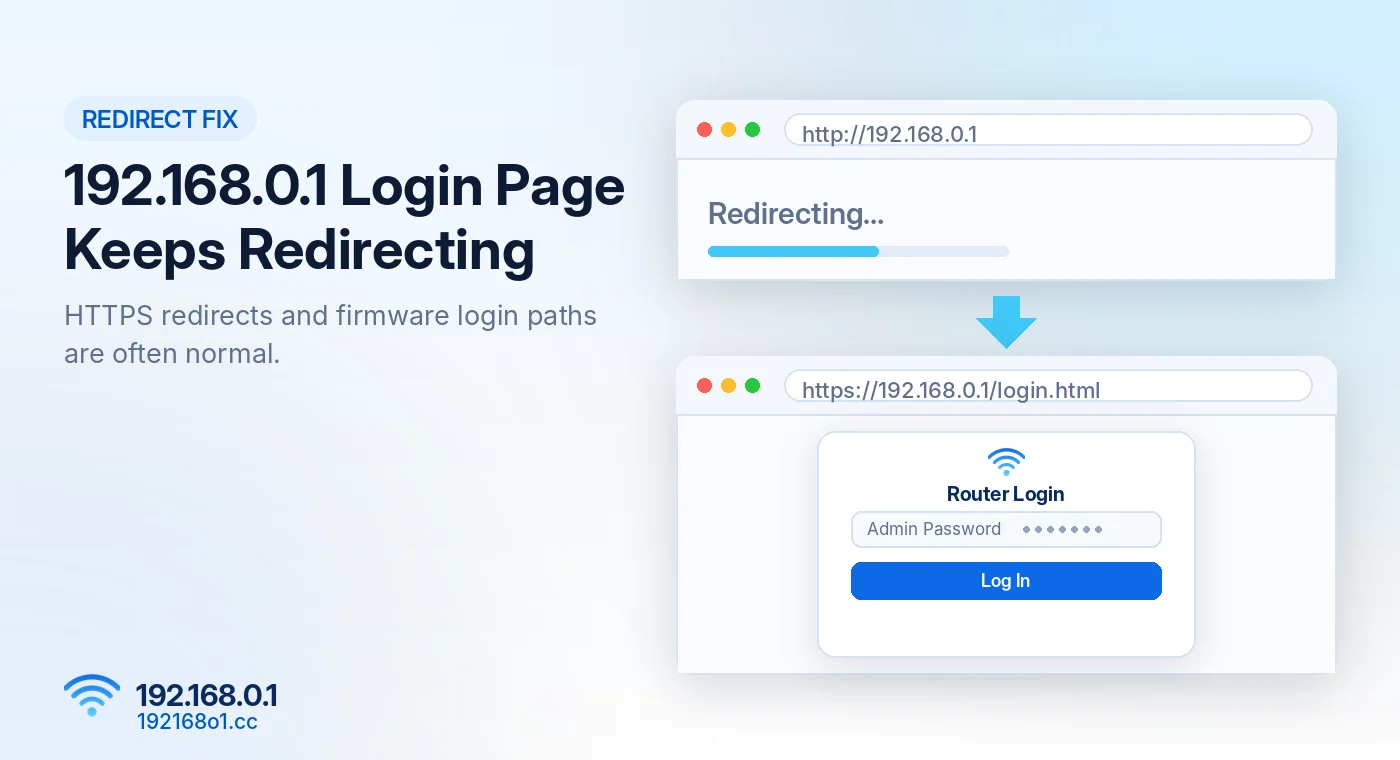
Not every redirect means something is wrong. Some routers automatically switch from HTTP to HTTPS, while others direct visitors to a specific login page such as /login.html.
The important thing is to identify where the browser is taking you.
Why Does 192.168.0.1 Redirect?
A redirect can happen for several reasons.
Your router may require HTTPS, move users to its login interface, or return them to the login page when their administration session expires.
A browser extension, cached session, or incorrect gateway address can also cause unexpected behavior.
HTTP Redirects to HTTPS
Check the Final Address
If you enter http://192.168.0.1 and the browser redirects to https://192.168.0.1, this may be normal behavior for a router that supports encrypted management.
Check whether the final address belongs to the device you’re managing.
Understand Certificate Warnings
Some routers use self-signed HTTPS certificates. Browsers may display a security warning because they cannot automatically verify the certificate.
Don’t assume every warning is harmless. Check the router’s documented address and confirm you’re connected to your own network.
Router Redirects to /login.html or /index.html
Some router interfaces use addresses such as 192.168.0.1/login.html or 192.168.0.1/index.html
These paths are firmware-dependent. They are not separate universal router login addresses.
Don’t Guess Random Login Paths
Start with the base management address. Let the router direct you to its login screen.
Manually forcing paths from another router model may produce errors or blank pages. The standard process is covered on our 192.168.0.1 router admin login page.
Browser Keeps Returning to the Login Screen
Check Whether Your Session Expired
Many routers automatically end management sessions after inactivity. Log in again using the configured password.
Try a Private Window
Old cookies or session data sometimes cause problems with router management interfaces. Open a private browser window and test the correct address.
Check Browser Extensions
Temporarily disable extensions that modify scripts, cookies, or requests if they interfere with the router page. Try another browser to compare the result.
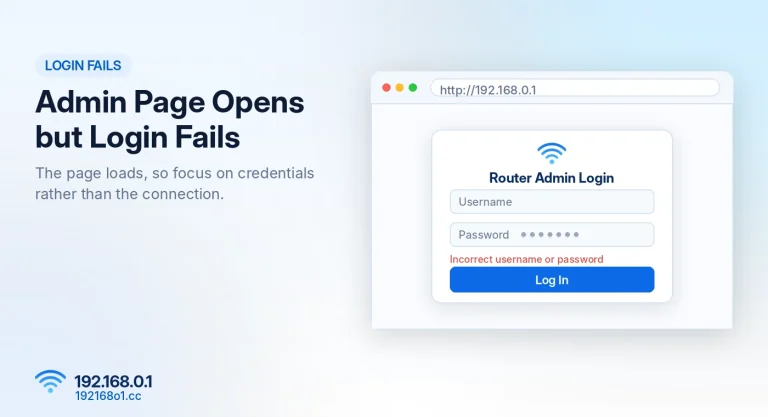
If the page loads but your password is rejected, read what to check when the admin page opens but login fails.
Chrome Opens Search Results Instead
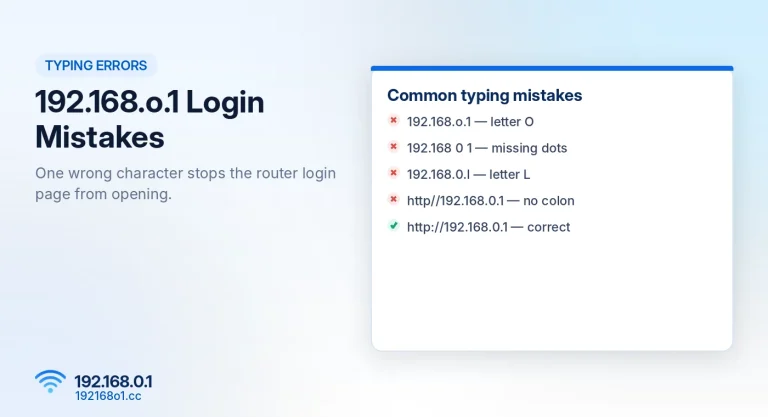
This commonly happens when the address is malformed. For example, 192.168.o.1 contains the letter O rather than zero.
Similarly, http//192.168.0.1 is missing the colon.
Type the complete address directly: http://192.168.0.1
Our guide to 192.168.o.1 login mistakes lists every common variation.
What If the Redirect Opens a Different Router?
Your gateway might be an internet provider’s modem-router rather than the separate WiFi router you intended to manage.
Check the branding on the login screen. Use your network’s actual gateway or the target router’s documented management address.
Our router IP discovery page explains how to check it.
Frequently Asked Questions
Why does 192.168.0.1 redirect to HTTPS?
Some routers enforce encrypted management connections.
Is 192.168.0.1/login.html the correct login address?
It may be valid for a particular router firmware, but not for every router.
Why does the login page reload after I enter my password?
Possible reasons include incorrect credentials, expired sessions, or browser compatibility problems.
Should I reset my router because of a redirect?
Not as a first step. Verify the address, browser, and login behavior before considering reset options.
Conclusion
A 192.168.0.1 redirect is not always an error. HTTPS redirects and firmware-specific login paths may be normal.
If the browser keeps looping, opens Google, or displays an unfamiliar device, check the correct gateway and browser session first.
For additional solutions, read 192.168.0.1 Not Working.