192.168.o.1 Login Mistakes – Why the Router Page Won’t Open
Typing 192.168.o.1 into Chrome might show search results, an address error, or a page that never loads. The reason is often simpler than a connection problem.
The address contains the letter o instead of the number 0. The correct numeric address is 192.168.0.1, which some home routers use for their administration interface.
However, correcting the spelling doesn’t guarantee access. Your router must also be configured to use that address.
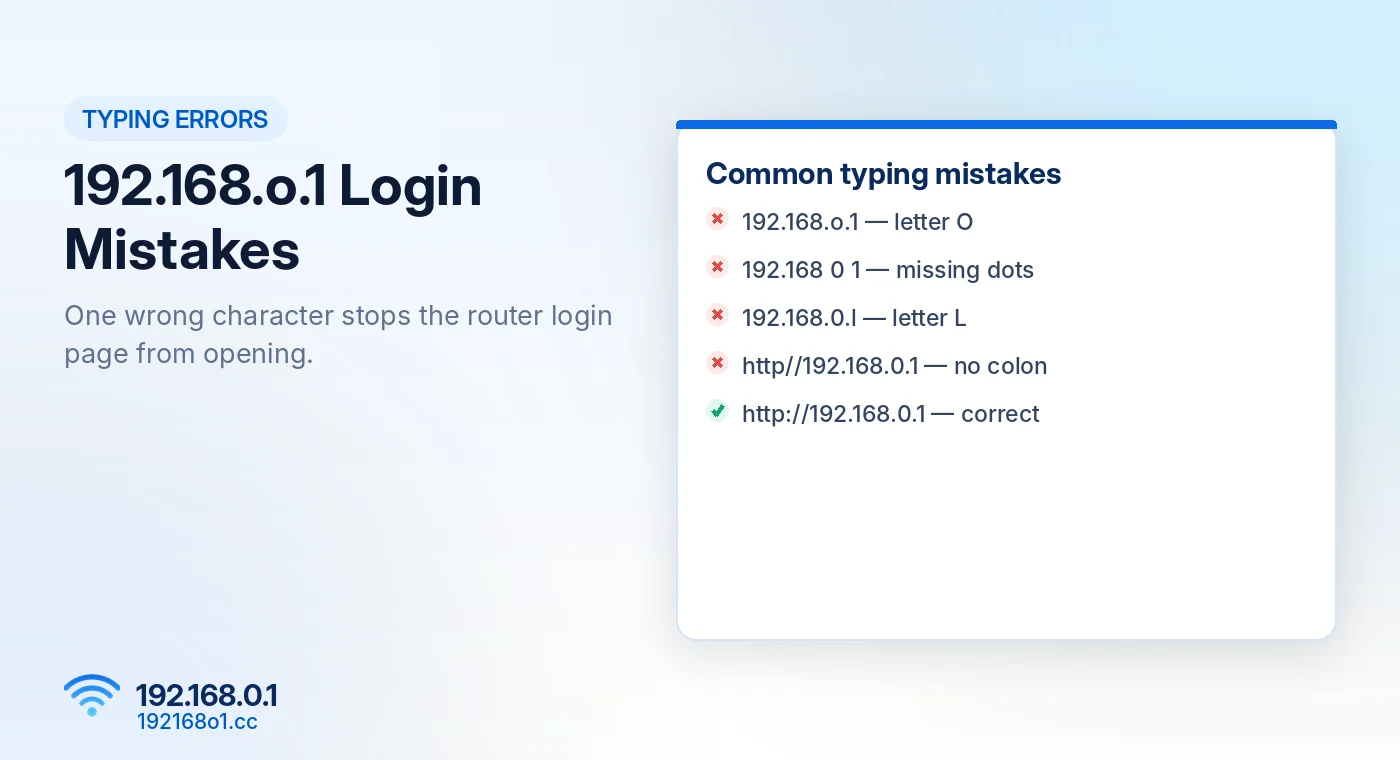
Why 192.168.o.1 Doesn’t Work
An IPv4 address is made up of four numerical sections separated by dots. Each section contains a number from 0 to 255.
The third section of 192.168.o.1 contains a letter, making it invalid as a numeric IPv4 address.
Correct and Incorrect Examples
| Address entered | Explanation |
|---|---|
| 192.168.0.1 | Valid IPv4 address |
| 192.168.o.1 | Contains letter O |
| 192.168 0 1 | Missing dots |
| 192.168.0.l | Contains letter L |
| http://192.168.0.1 | Valid HTTP URL |
| http//192.168.0.1 | Missing colon |
These mistakes are particularly easy to make when copying an address from a screenshot or reading small printed text.
How to Open the Correct Router Login Page
Connect to the Right Network
Make sure your device is connected to your router through WiFi or Ethernet. If you’re using mobile data, switch to the router’s WiFi.
Enter the Address Directly
Open Chrome, Firefox, Edge, or Safari and type http://192.168.0.1
Press Enter. If the router uses this management address, its login screen should appear.
Use the Correct Admin Password
Enter the credentials configured for your router. The administration password might differ from your WiFi password.
For login instructions, return to our 192.168.0.1 homepage or read the username and password guide.
What If 192.168.0.1 Still Won’t Open?
A correctly written address can fail when it isn’t the router’s configured gateway.
Check Your Gateway
On Windows, open Command Prompt and enter ipconfig. Look for Default Gateway under your active connection.
On an iPhone, open Wi-Fi settings and check the Router field.
If your network gateway is 192.168.1.1, try that address rather than repeatedly opening 192.168.0.1. Our guide explains how to find your router IP address.
Check Your Router Brand
Many Tenda and TP-Link models use 192.168.0.1, but not all. Some also provide local management domains such as tendawifi.com or tplinkwifi.net.
Check the address supported by your device. See our Tenda router login guide and TP-Link router login guide.
Avoid Unnecessary Resets
A spelling mistake doesn’t require a factory reset. Correct the address and verify the gateway first. For deeper checks, read 192.168.0.1 Not Working.
Frequently Asked Questions
Is 192.168.o.1 a real IP address?
No. The letter O makes it invalid as a numeric IPv4 address.
Is 192.168.0.1 always the default router IP?
No. Routers can use other private addresses.
Can I open 192.168.0.1 without internet?
Yes, if you’re connected to the router locally and its management interface is available.
Should I add www before the address?
No. Enter the local IP directly without adding www.
Conclusion
The difference between 192.168.o.1 and 192.168.0.1 is only one character, but it matters.
Use the number zero, enter the address directly, and check your gateway if the login screen still doesn’t appear. For additional access problems, read our router login troubleshooting page.